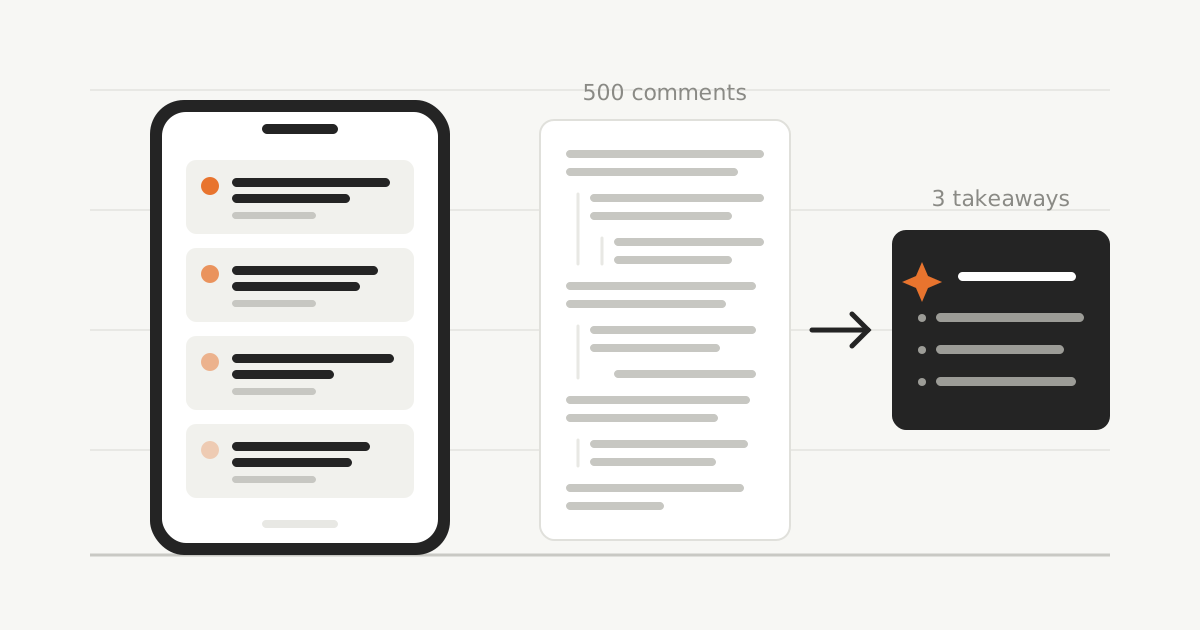
A Hacker News Feed That Learns What You Actually Care About
The Hacker News front page shows the same thirty stories to everyone. It has no idea that I’ll read anything about databases and skip everything about fundraising. So for years my routine looked like this: scan the front page, skip most of it, open too many tabs, lose the good one before I got to it, check again after lunch.
I built Hacker Flow around one idea: the stories you care about should be at the top of the feed, and the noise shouldn’t be in it at all.
Thread Personalisation
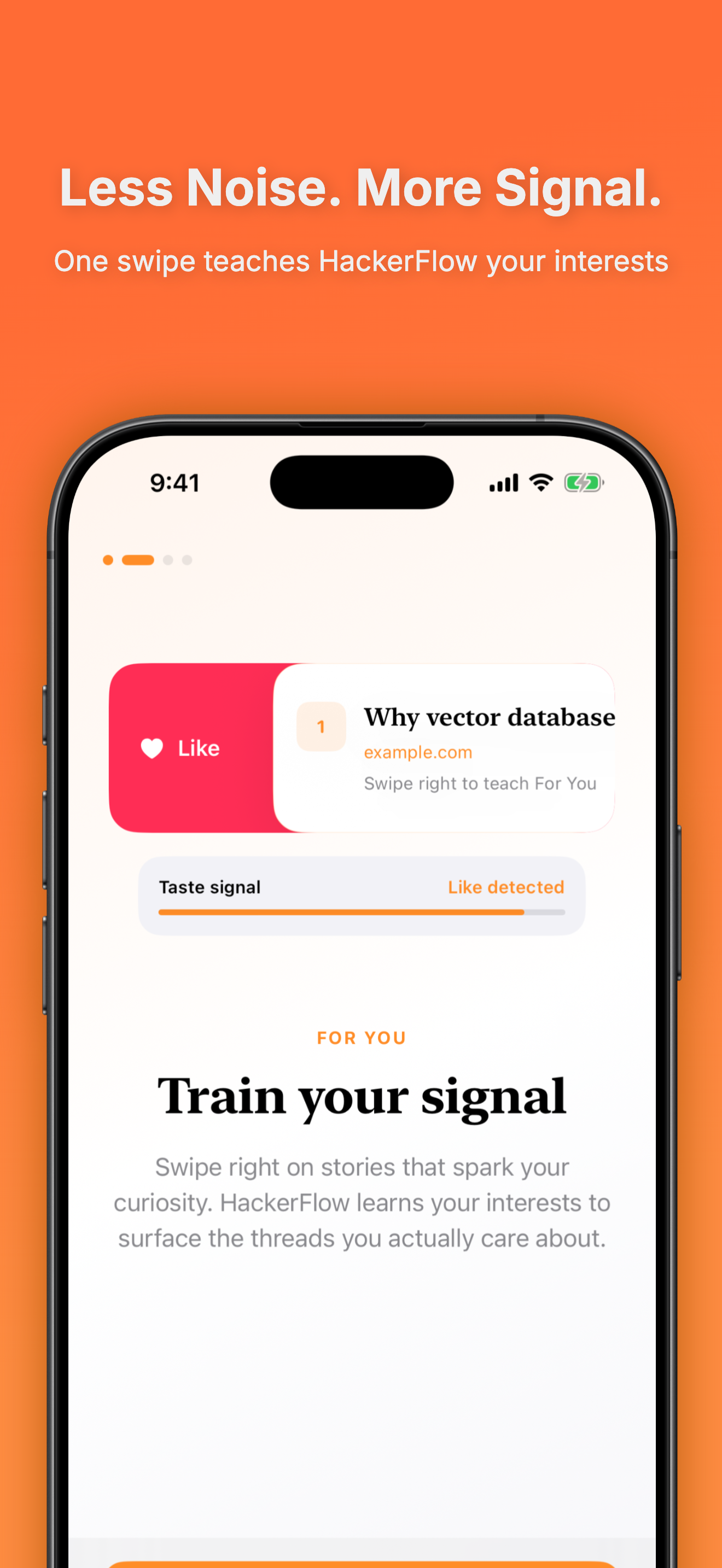
There’s nothing to set up. No topic checklists, no keyword filters to maintain. The app watches what you tap, read, like and bookmark, and ranks the feed from that. On day one it looks like the normal front page. A week in, the Postgres posts are near the top and the startup drama has sunk out of sight. If you want to nudge it along, swipe right on a story you liked — that’s the entire training interface.

How the ranking actually works
Under the hood, the feed is ranked by a multi-tower recommender — the same architecture behind most large-scale feeds, scaled down to one app.
One tower encodes you: your taps, reads, likes, bookmarks and swipe-rights get compressed into an embedding, a vector that amounts to a numerical sketch of your interests. A second tower encodes each story: its title, topics and domain become a vector in the same space. How well a story matches you is then just the dot product of the two vectors. The towers are independent, which is the practical win of this architecture — when a new story lands on HN, it can be scored against your profile immediately, without recomputing anything about you.
Ranking purely by that score has a well-known failure mode, though: the feed collapses into your single strongest interest. Read three Postgres posts and suddenly it’s Postgres all the way down. So after scoring, the feed is re-ranked with MMR — Maximal Marginal Relevance:
next pick = argmax over stories of λ · relevance(story) − (1 − λ) · max similarity(story, already picked)
In words: each slot goes to the story that’s most relevant to you and least similar to what’s already above it, with λ setting the balance. Your interests still dominate the feed, but it keeps its breadth — you get your databases posts without getting only databases posts. It’s the anti-filter-bubble step, and it’s the difference between a feed that’s tuned to you and one that’s stuck on you.
Threads you can actually follow
The other half of Hacker News is the comments, and the comment page hasn’t changed in twenty years: one giant column where indentation is the only structure. The best discussion is often a root reply sitting below someone else’s eighty-comment subtree about a tangent. On a phone, getting to the next root comment means scrolling past that entire subtree, and by the time you’re there you’ve lost track of which level you’re on.
Hacker Flow redesigns this in two ways. Popular Threads puts the most-upvoted root replies first, so busy stories open with the five discussions that matter instead of a wall of two hundred comments in arrival order. And a thread navigation button sits under your thumb and jumps straight to the next root thread — one tap skips the whole subtree instead of a minute of flick-scrolling.
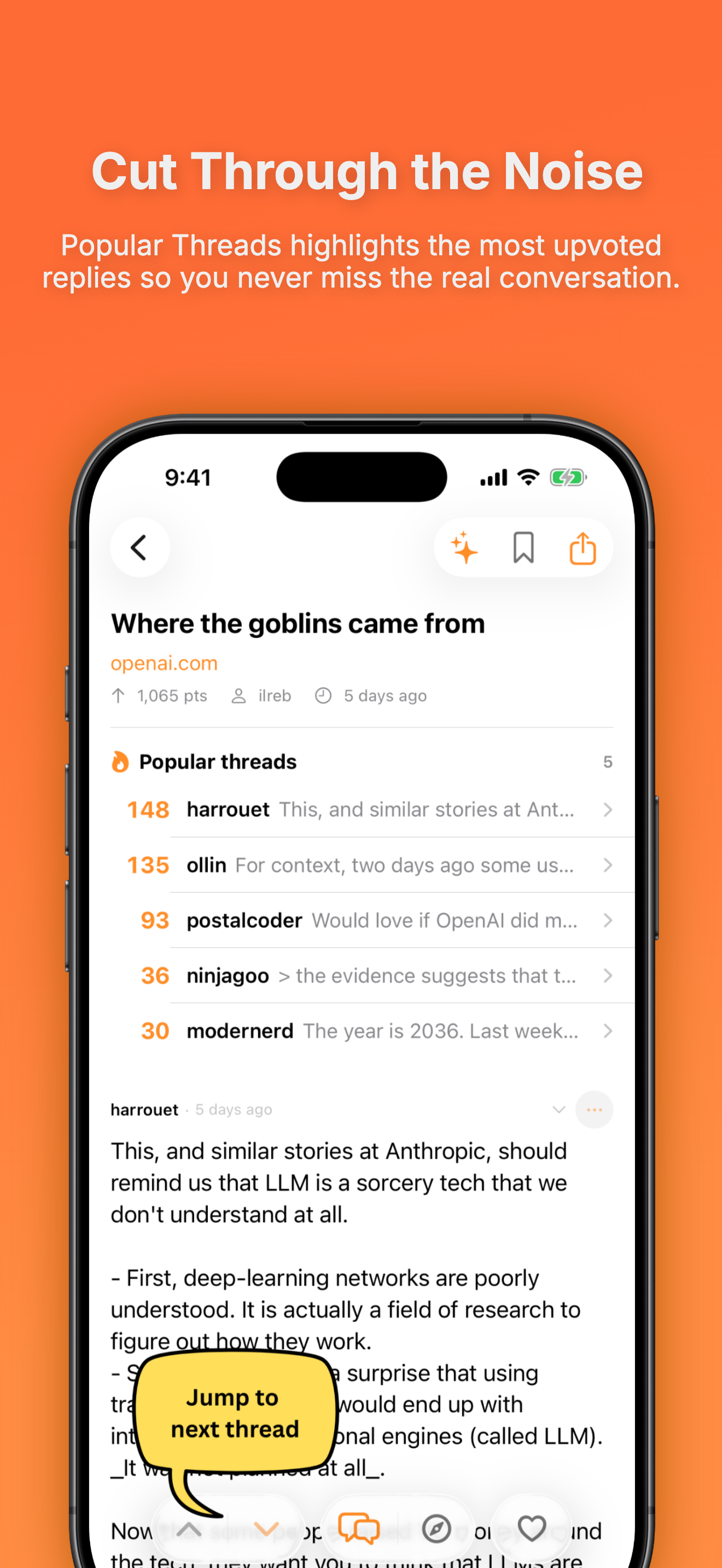
Together they change how reading a big thread feels: you hop between top-level discussions, drop into the ones worth your time, and skip the rest without losing your place.
Hacker Flow is free on the App Store, runs on iPhone and iPad with iOS 17 or later, and there’s no account, no ads and no subscription. If Hacker News is part of your day, Hacker Flow will give you a decent chunk of it back.
Stay in the loop
Practical data-engineering & AI notes — no fluff, no spam. New posts straight to your inbox.
You’re in! 🎉
Thanks for subscribing — new posts will land straight in your inbox.